- Author
- Parham Hatanian
- Original publication
- LinkedIn · May 15
- Local republication
- 2026-10-20T21:54:16.942161Z
🚀 About a year ago, I published DeeplinkX.
It started as a small Flutter plugin for one specific problem:
External app deep linking should not require repetitive platform checks, URL schemes, fallback logic, and boilerplate every time.
Since then, I have kept improving it and moving it toward a more stable v1 experience.
Today, DeeplinkX supports more apps, more app stores, smarter fallback handling, better documentation, and more real-world use cases.
The goal is simple: 🎯
Better developer experience and better user experience.
Instead of forcing users through broken links, browser redirects, or OS app chooser dialogs, DeeplinkX helps you send them to the right destination with a cleaner fallback flow.
Real-world use cases:
• Customer support 💬
Open a WhatsApp chat, Telegram account, or other support channel directly from your app.
• Social and brand discovery 🔎
Send users to an Instagram profile, LinkedIn company page, TikTok profile, or YouTube channel.
• Content and media engagement ▶️
Open YouTube videos or external content directly in the target app when possible.
• Location and navigation 🗺️
Open maps, search locations, or start navigation in various installed navigation apps instead of relying on the OS app chooser dialog.
• App updates and reviews ⭐
Use a simple method to navigate your current app users to the correct store page for updates, reviews, or ratings.
• Marketing and campaign CTAs 📣
Use CTA buttons in ads, campaigns, and landing pages to open the target app based on platform and installed stores.
Supported platforms: 🌍
• Android • iOS • Web • macOS • Windows • Linux
Since the first release: 🔧
• More external apps were added
• More app stores were added
• Fallback handling improved
• Documentation and examples improved
• Likes and downloads increased
• I wrote a Medium article comparing DeeplinkX with url_launcher
• DeeplinkX was added to Flutter Gems
DeeplinkX is not a general URL launcher replacement.
It is focused on external app actions where type safety, readable APIs, reusable logic, predictable fallback behavior, and better user experience matter.
📦 Pub.dev: https://lnkd.in/dwpMHHM7
💻 GitHub: https://lnkd.in/d7geVGzJ
✍️ Medium: https://lnkd.in/ezyhyR3z
💎 Flutter Gems: https://lnkd.in/ecg9B7Jx
If DeeplinkX helps you, a like on pub.dev would mean a lot.
And if you want to support it further, a ⭐ on GitHub is always appreciated.
Which external app or action should DeeplinkX support next?
Original document and accessible slides
Download original PDF · 9 slides
Historical artwork. Current launch methods return a Boolean handoff result. Instagram provides open and profile actions. The artwork’s “First Release — May 11, 2024” is its original timeline wording; use the package release history for release dates.
Slide 1 of 9 — One Year Later
Text in the artwork:
- ONE YEAR LATER 🎉
- DeeplinkX
- A Flutter toolkit for external app deep linking
- DeeplinkX
- 🚀 From a small plugin to a more stable v1 experience
Visual context: WhatsApp, Google Maps, Telegram, App Store, and Flutter icons surround the DeeplinkX mark.
Slide 2 of 9 — The Original Problem
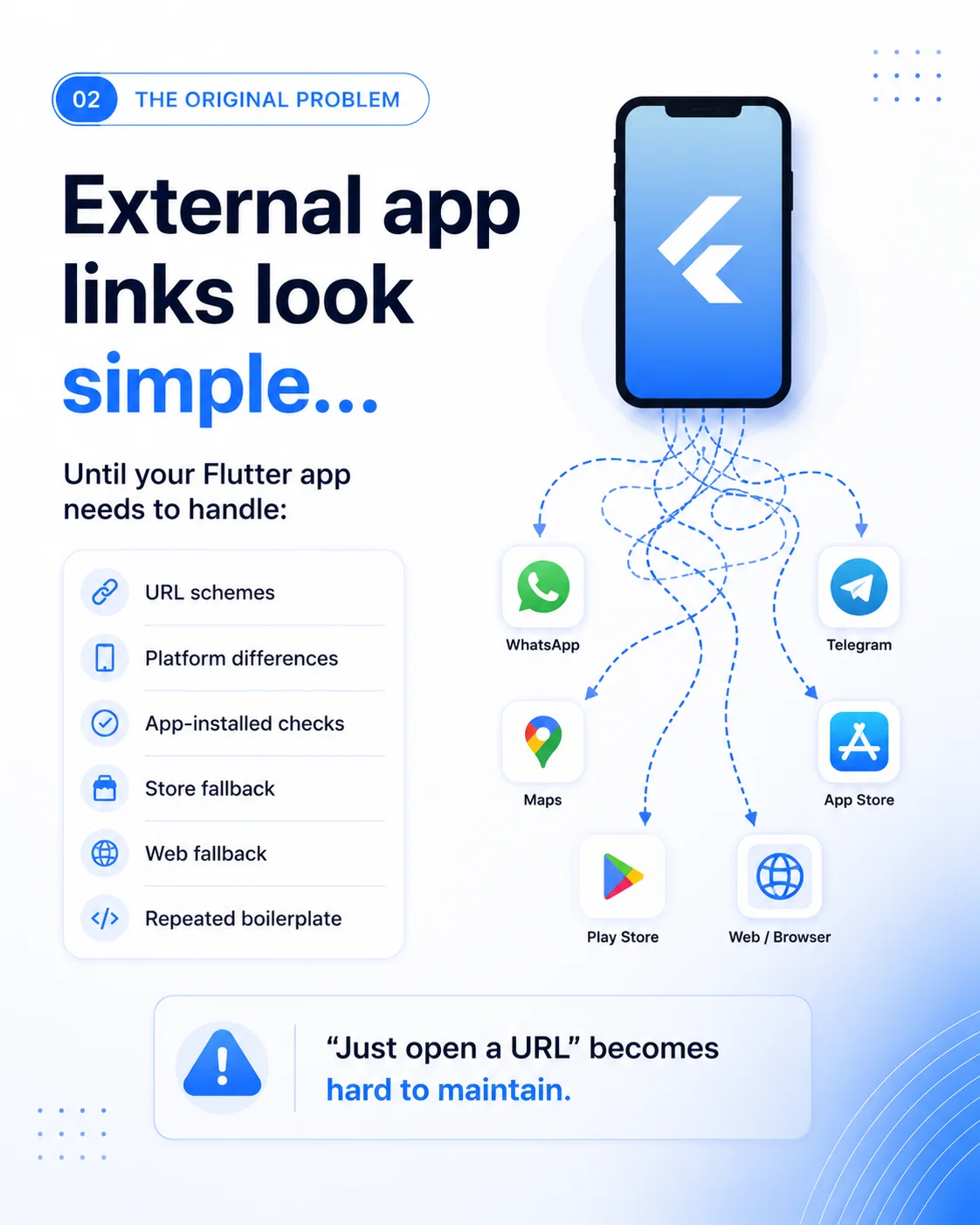
Heading: 02 — THE ORIGINAL PROBLEM
External app links look simple...
Until your Flutter app needs to handle:
- URL schemes
- Platform differences
- App-installed checks
- Store fallback
- Web fallback
- Repeated boilerplate
Diagram destination labels: WhatsApp; Telegram; Maps; App Store; Play Store; Web / Browser.
“Just open a URL” becomes hard to maintain.
Slide 3 of 9 — What DeeplinkX Does
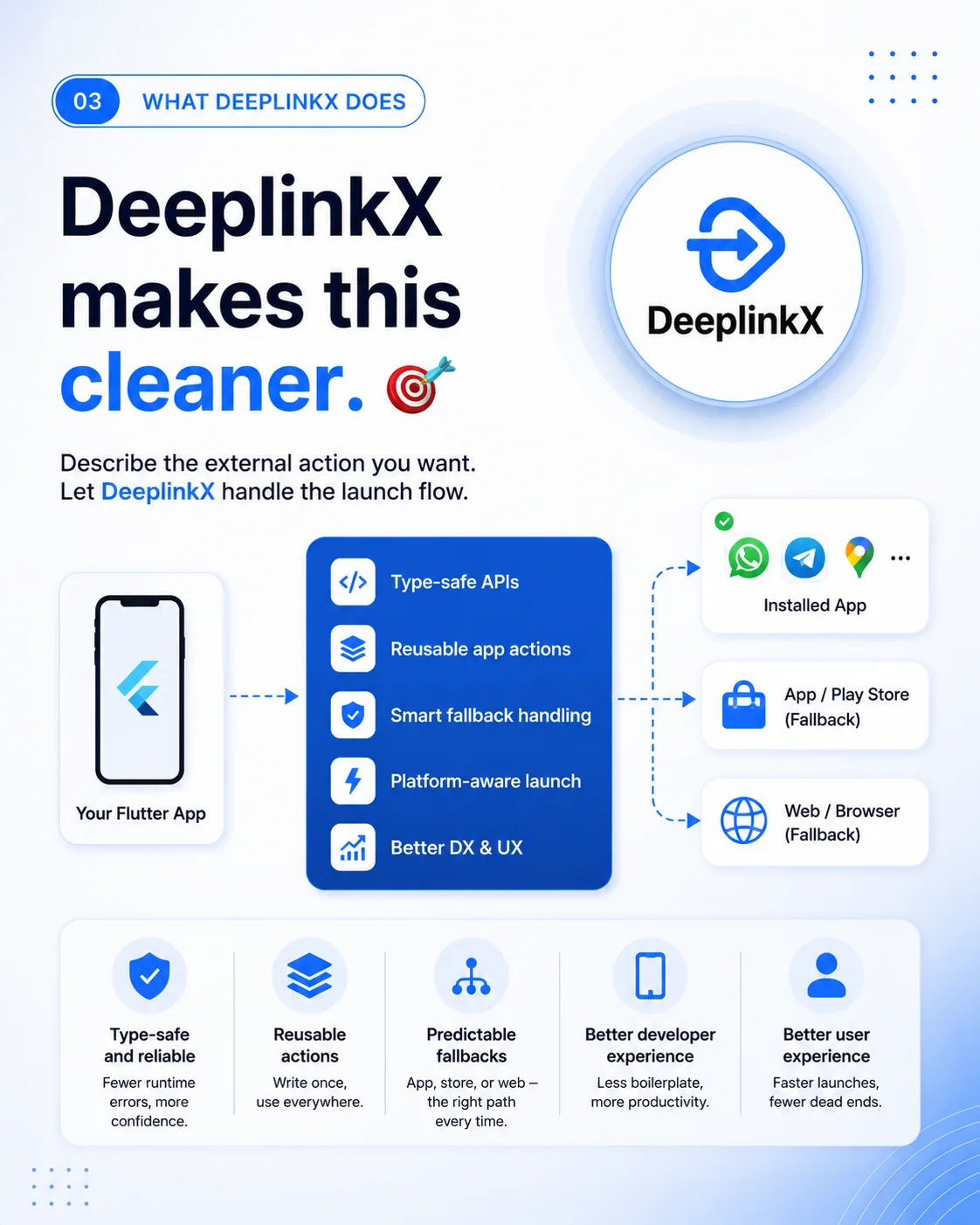
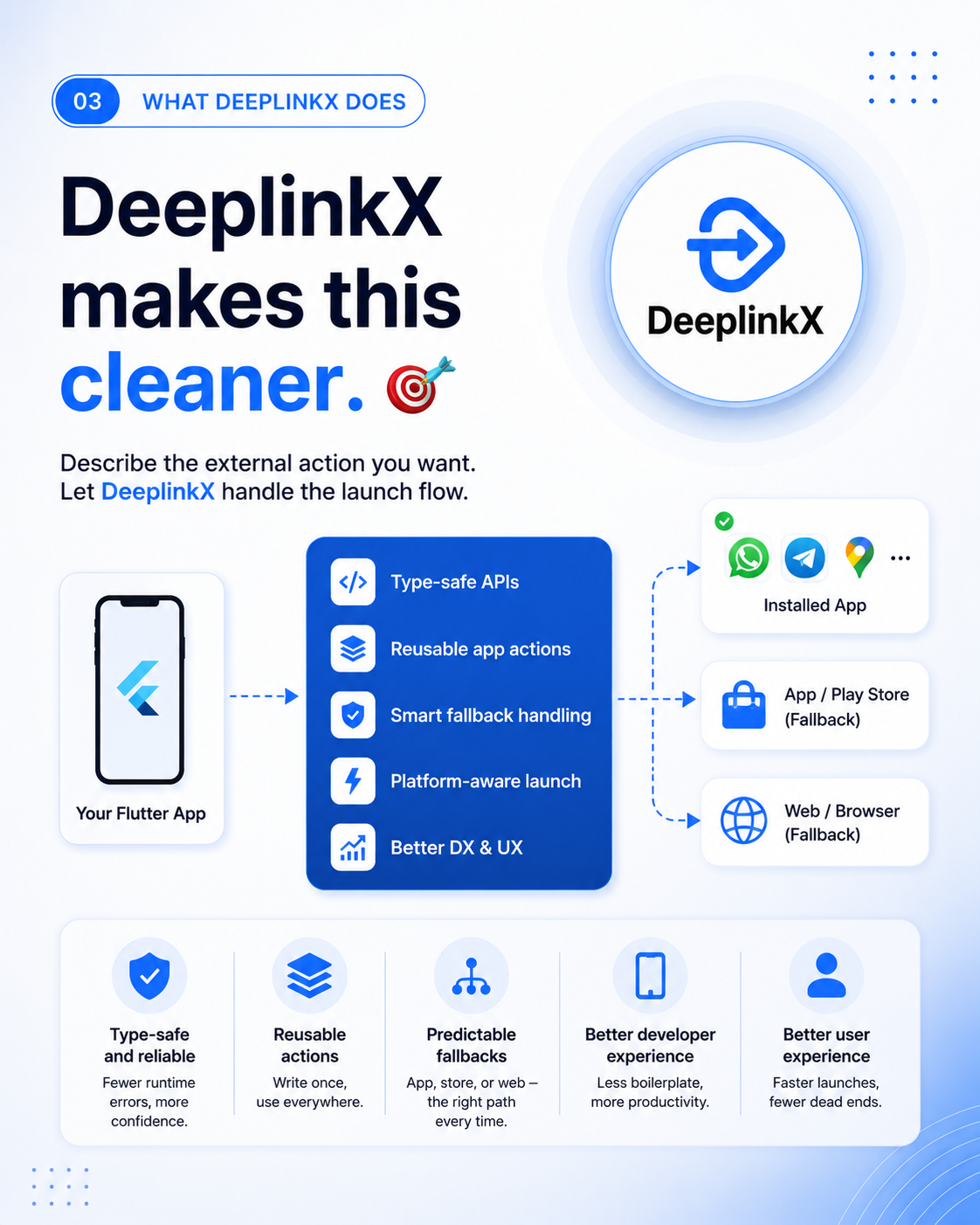
Heading: 03 — WHAT DEEPLINKX DOES
DeeplinkX makes this cleaner. 🎯
Describe the external action you want. Let DeeplinkX handle the launch flow.
Diagram text:
- Your Flutter App
- Type-safe APIs
- Reusable app actions
- Smart fallback handling
- Platform-aware launch
- Better DX & UX
- Installed App
- App / Play Store (Fallback)
- Web / Browser (Fallback)
Benefit panels:
| Label | Text |
|---|---|
| Type-safe and reliable | Fewer runtime errors, more confidence. |
| Reusable actions | Write once, use everywhere. |
| Predictable fallbacks | App, store, or web – the right path every time. |
| Better developer experience | Less boilerplate, more productivity. |
| Better user experience | Faster launches, fewer dead ends. |
Visual context: arrows lead from the Flutter app through the DeeplinkX feature list to installed-app, store, or browser boxes. The diagram is promotional overview artwork; actual fallback configuration determines which attempts are available.
Slide 4 of 9 — What Is DeeplinkX?
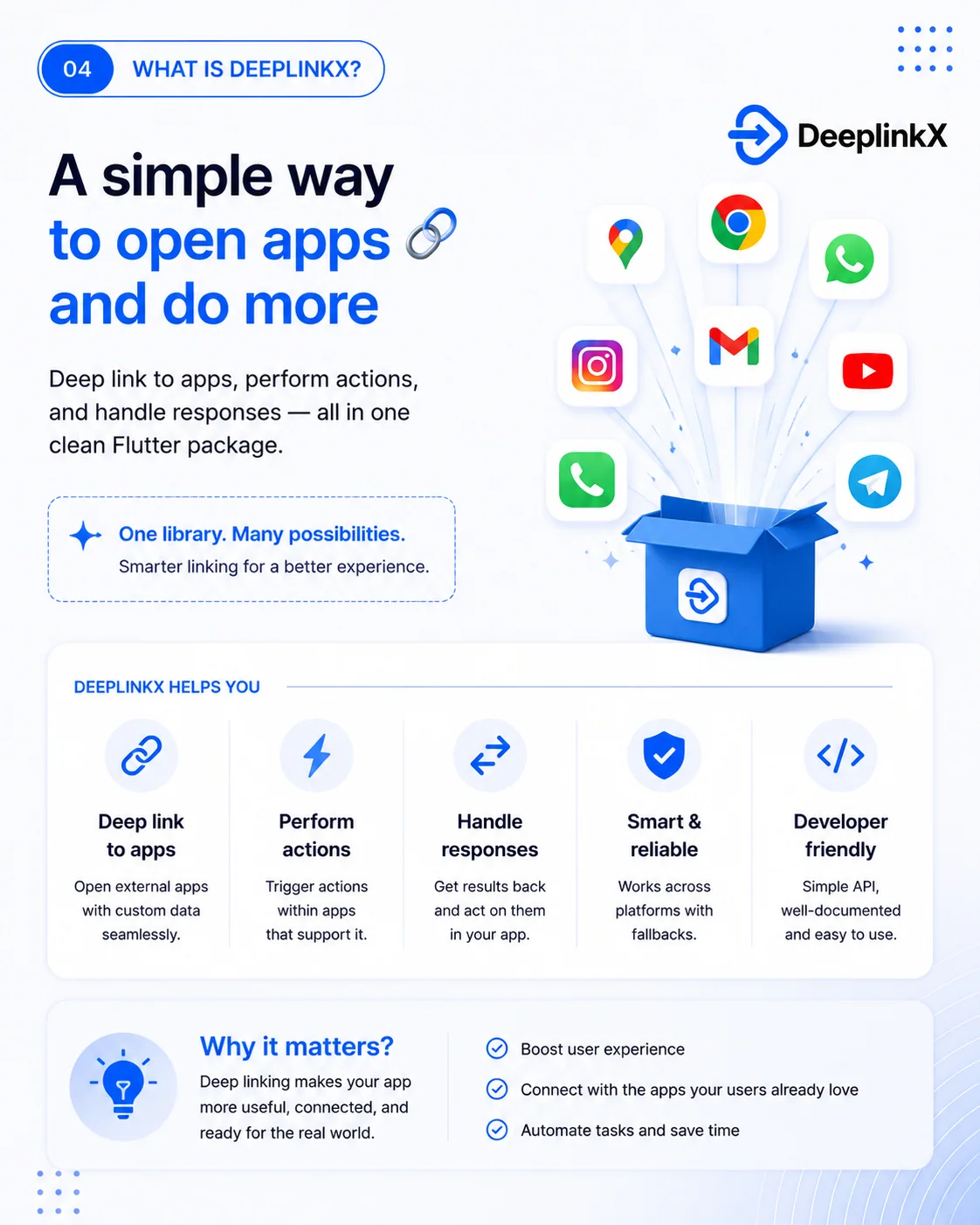
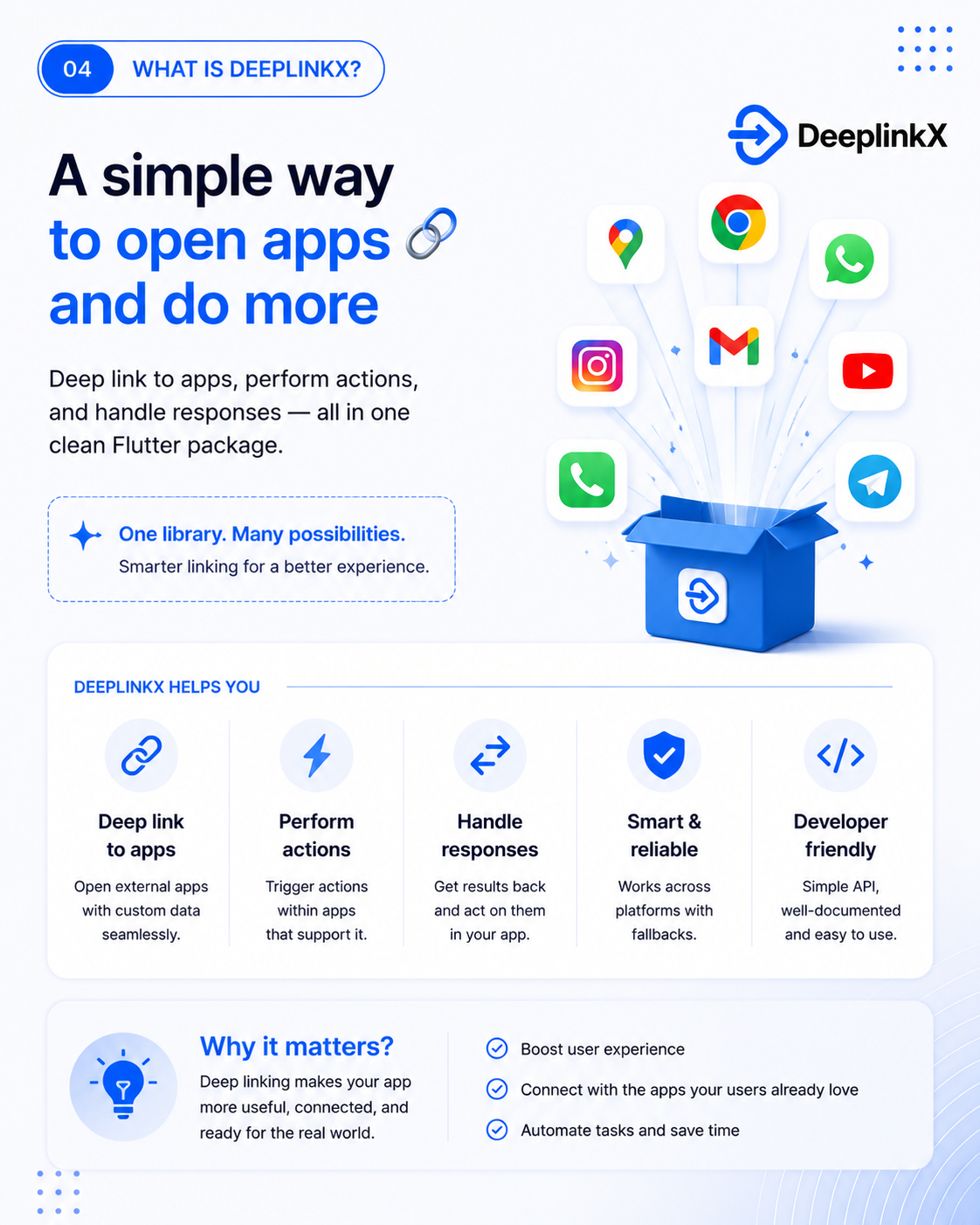
Heading: 04 — WHAT IS DEEPLINKX?
A simple way to open apps 🔗 and do more
Deep link to apps, perform actions, and handle responses — all in one clean Flutter package.
One library. Many possibilities.
Smarter linking for a better experience.
DEEPLINKX HELPS YOU
| Label | Text |
|---|---|
| Deep link to apps | Open external apps with custom data seamlessly. |
| Perform actions | Trigger actions within apps that support it. |
| Handle responses | Get results back and act on them in your app. |
| Smart & reliable | Works across platforms with fallbacks. |
| Developer friendly | Simple API, well-documented and easy to use. |
Why it matters?
Deep linking makes your app more useful, connected, and ready for the real world.
- Boost user experience
- Connect with the apps your users already love
- Automate tasks and save time
Visual context: an open DeeplinkX box emits map, Chrome, WhatsApp, Gmail, Instagram, YouTube, phone, and Telegram icons. The response and logo limitations in the opening editorial context apply.
Slide 5 of 9 — Use Case: Social & Media
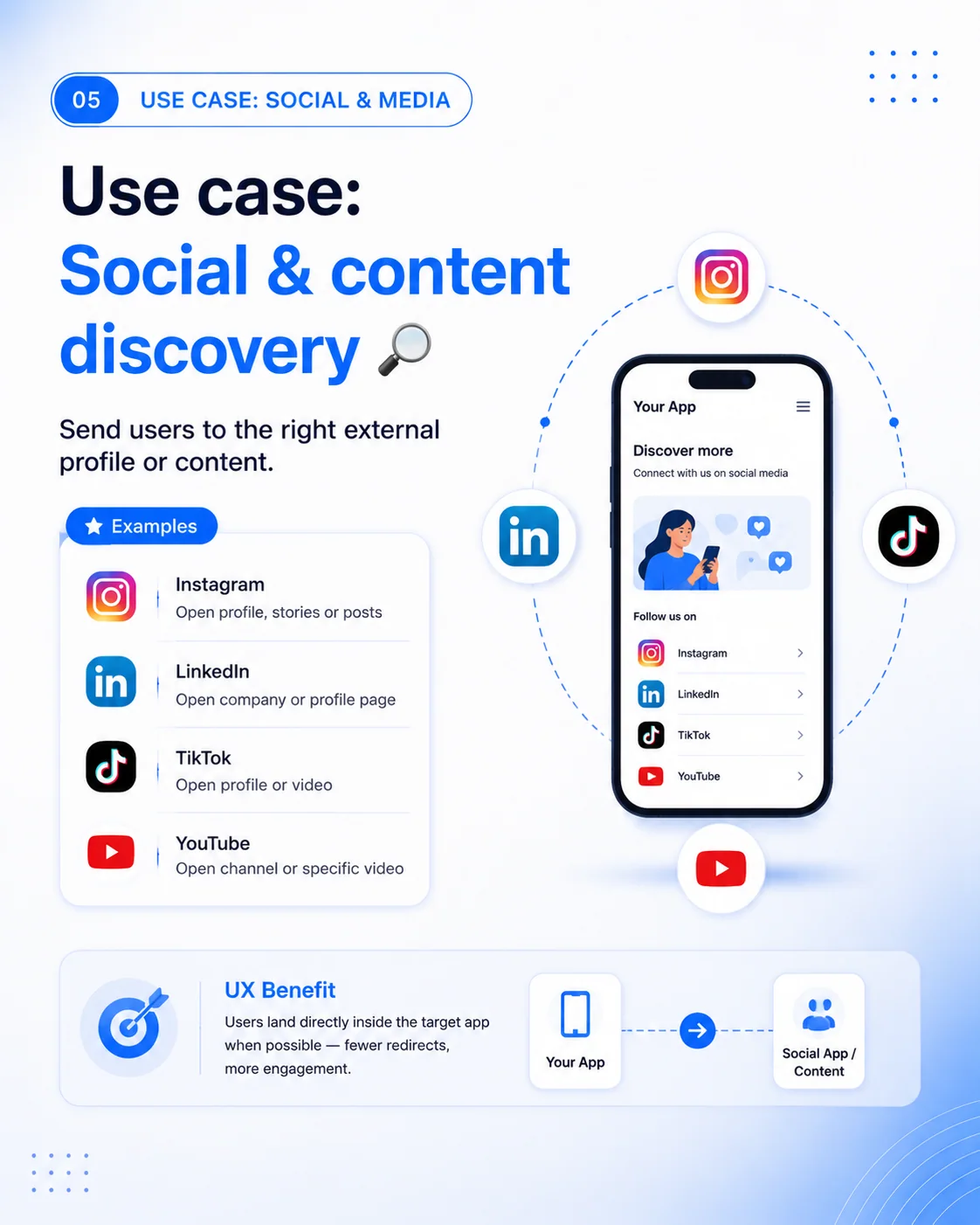
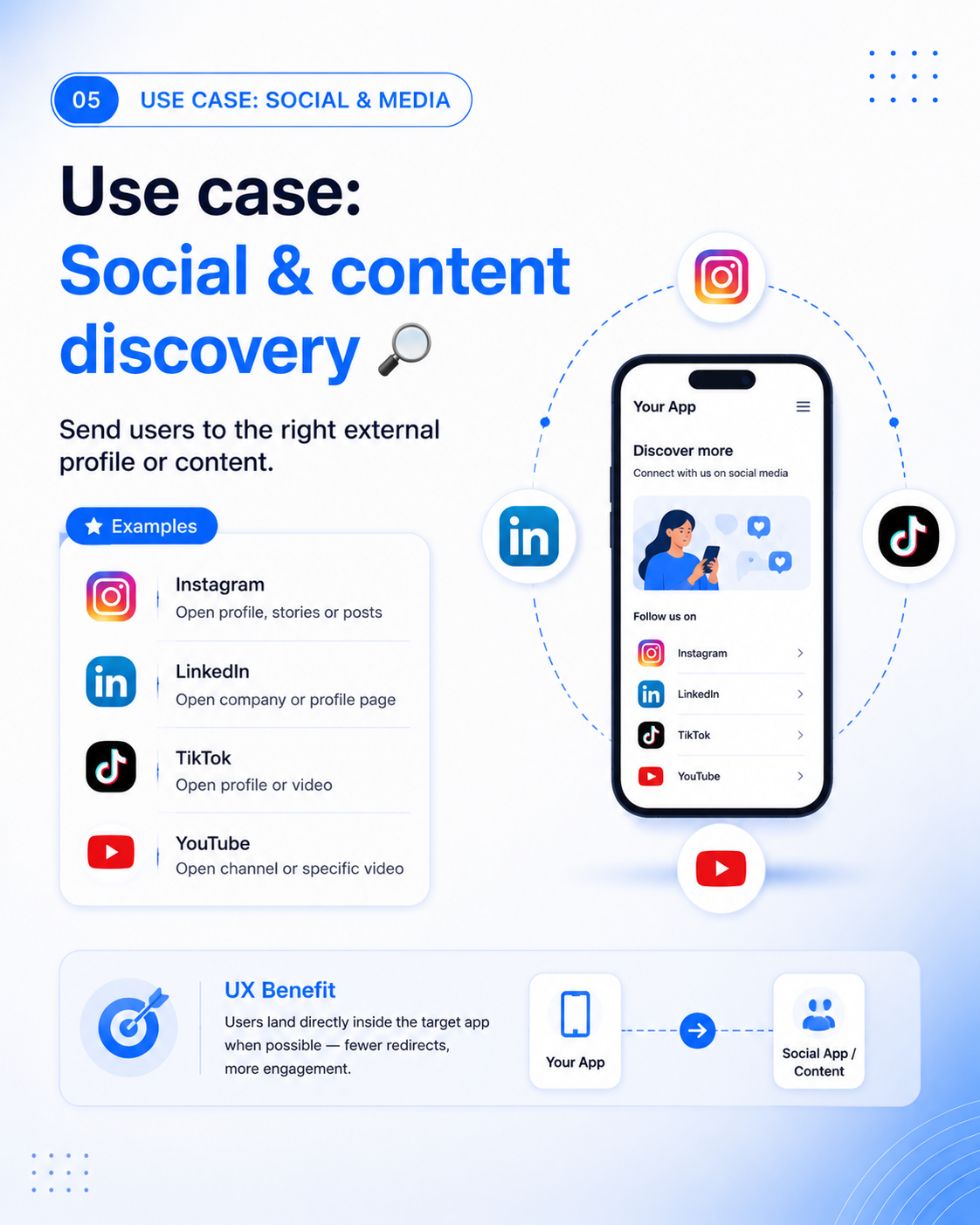
Heading: 05 — USE CASE: SOCIAL & MEDIA
Use case: Social & content discovery 🔎
Send users to the right external profile or content.
Examples
| Provider | Original slide claim |
|---|---|
| Open profile, stories or posts | |
| Open company or profile page | |
| TikTok | Open profile or video |
| YouTube | Open channel or specific video |
Phone mockup text: Your App; Discover more; Connect with us on social media; Follow us on; Instagram; LinkedIn; TikTok; YouTube.
UX Benefit
Users land directly inside the target app when possible — fewer redirects, more engagement.
Bottom diagram labels: Your App → Social App / Content.
The Instagram statement is historical artwork copy; see the explicit current-API correction above.
Slide 6 of 9 — Use Case: Location & Navigation
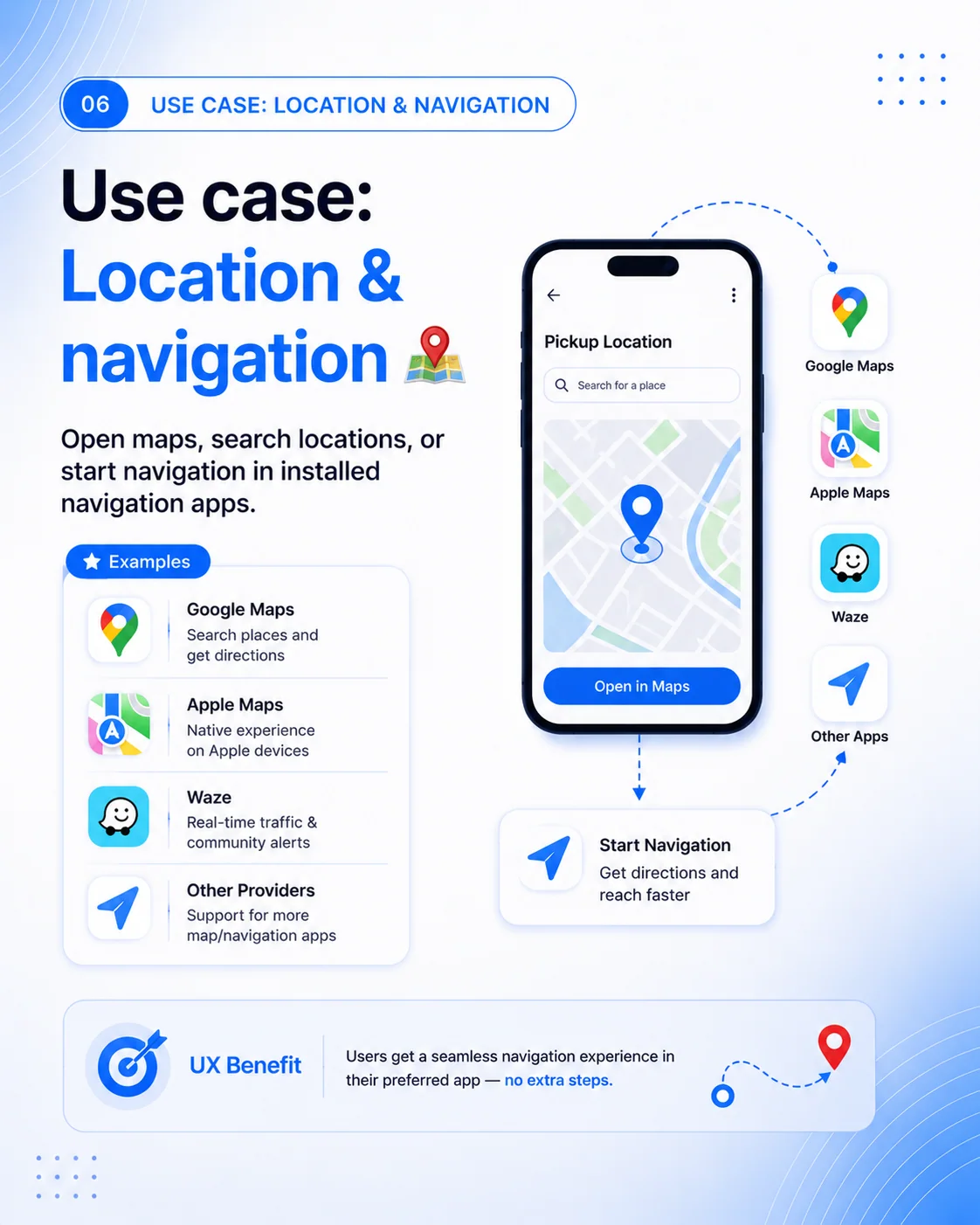
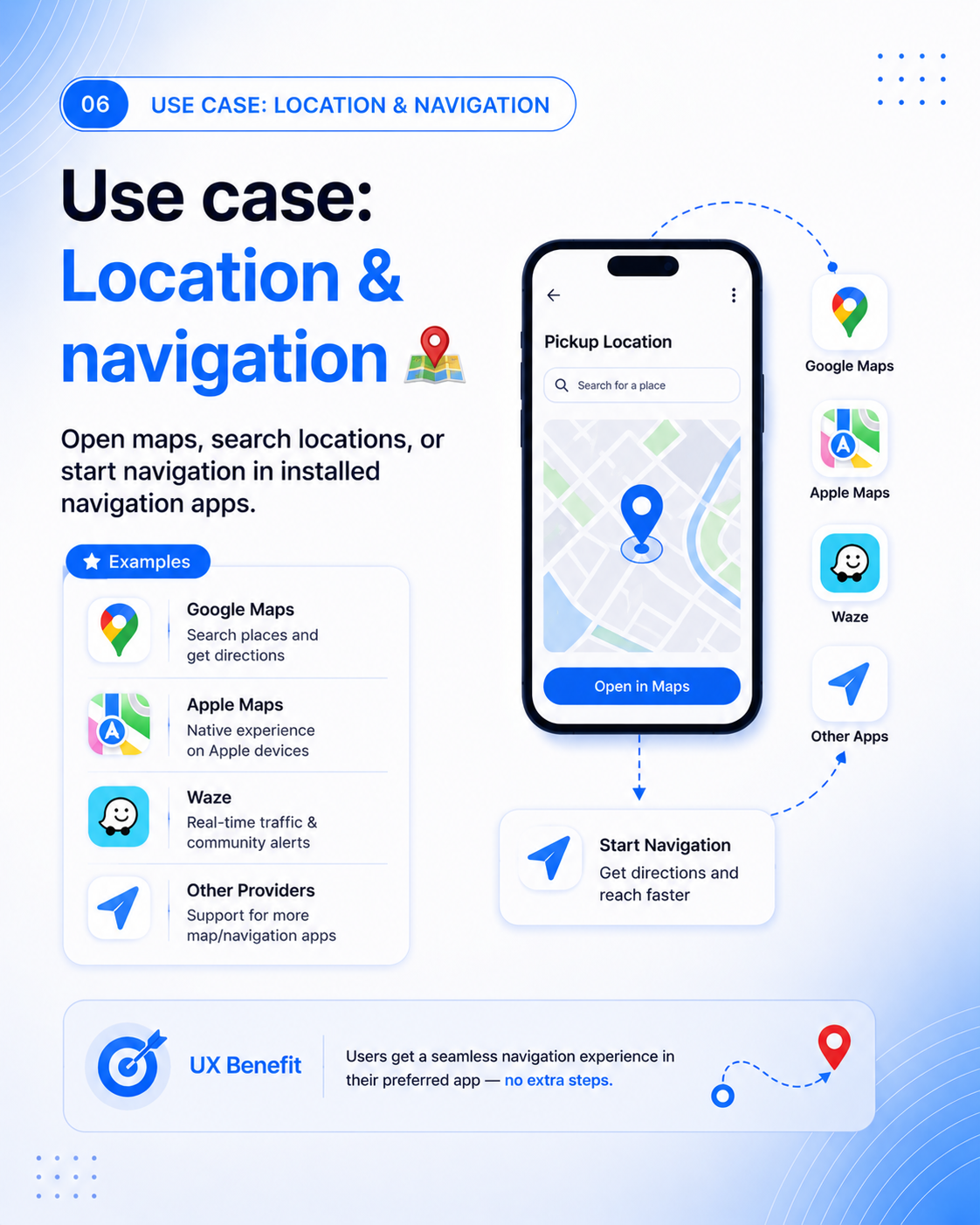
Heading: 06 — USE CASE: LOCATION & NAVIGATION
Use case: Location & navigation 🗺️
Open maps, search locations, or start navigation in installed navigation apps.
Examples
| Provider | Original slide text |
|---|---|
| Google Maps | Search places and get directions |
| Apple Maps | Native experience on Apple devices |
| Waze | Real-time traffic & community alerts |
| Other Providers | Support for more map/navigation apps |
Phone mockup text: Pickup Location; Search for a place; Open in Maps.
Destination labels: Google Maps; Apple Maps; Waze; Other Apps.
Diagram callout: Start Navigation — Get directions and reach faster.
UX Benefit
Users get a seamless navigation experience in their preferred app — no extra steps.
Slide 7 of 9 — Use Case: Updates, Reviews & Campaigns
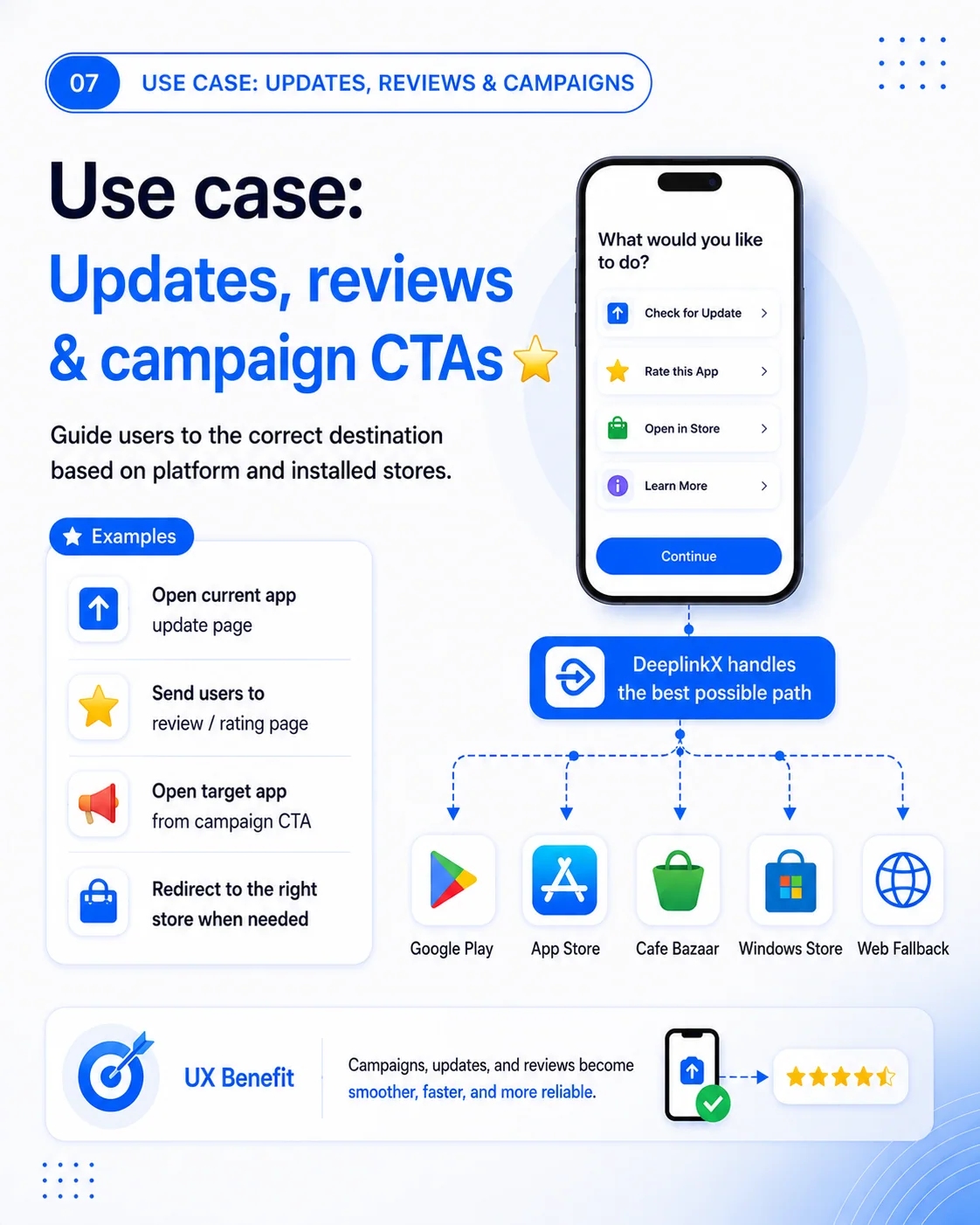
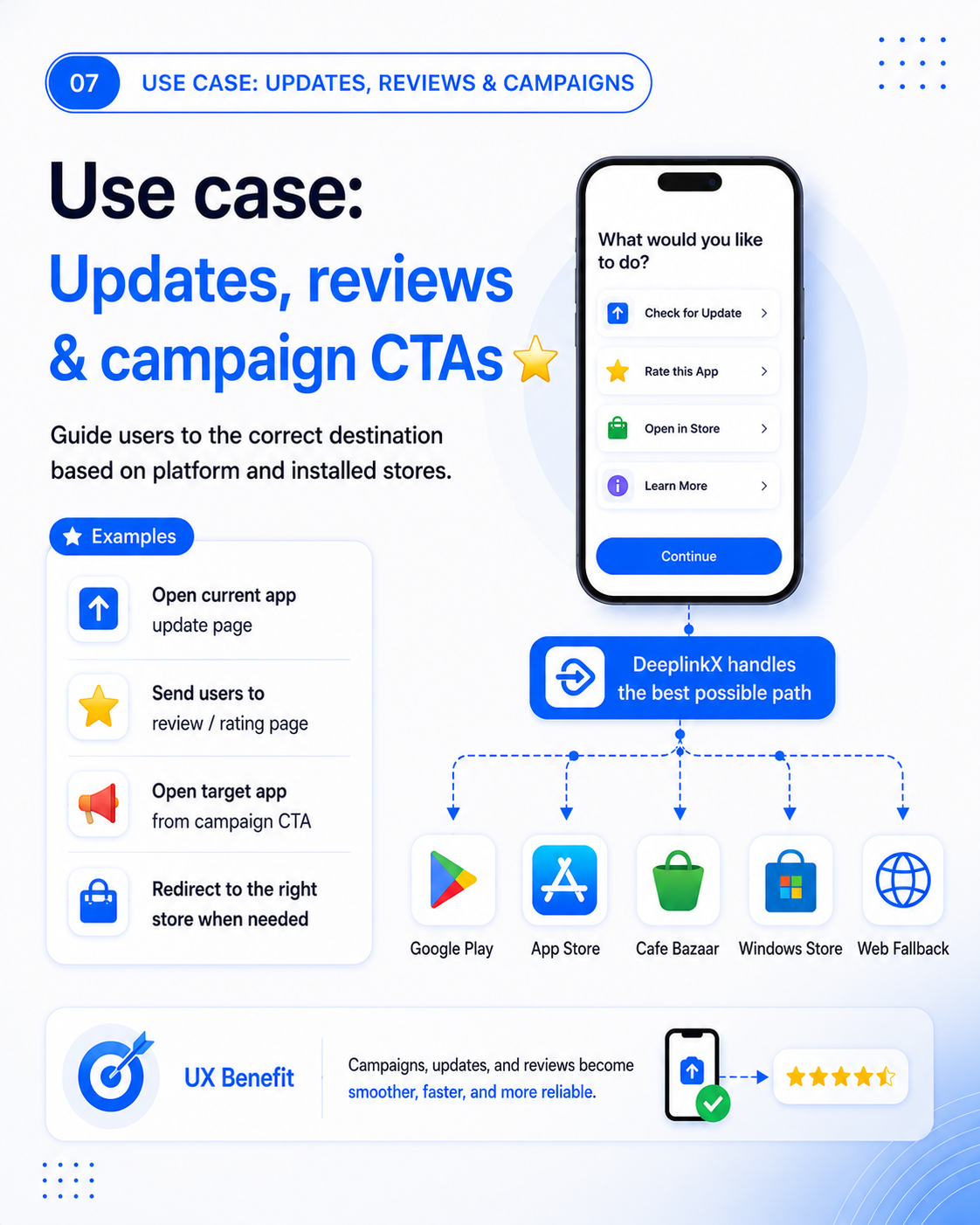
Heading: 07 — USE CASE: UPDATES, REVIEWS & CAMPAIGNS
Use case: Updates, reviews & campaign CTAs ⭐
Guide users to the correct destination based on platform and installed stores.
Examples
- Open current app update page
- Send users to review / rating page
- Open target app from campaign CTA
- Redirect to the right store when needed
Phone mockup text: What would you like to do?; Check for Update; Rate this App; Open in Store; Learn More; Continue.
Diagram callout: DeeplinkX handles the best possible path.
Destination labels: Google Play; App Store; Cafe Bazaar; Windows Store; Web Fallback.
UX Benefit
Campaigns, updates, and reviews become smoother, faster, and more reliable.
Editorial clarification: “updates” here describes app-store user workflows. This historical slide does not request a central hub updates collection, nor establish version detection or automatic installation.
Slide 8 of 9 — One Year of Improvement
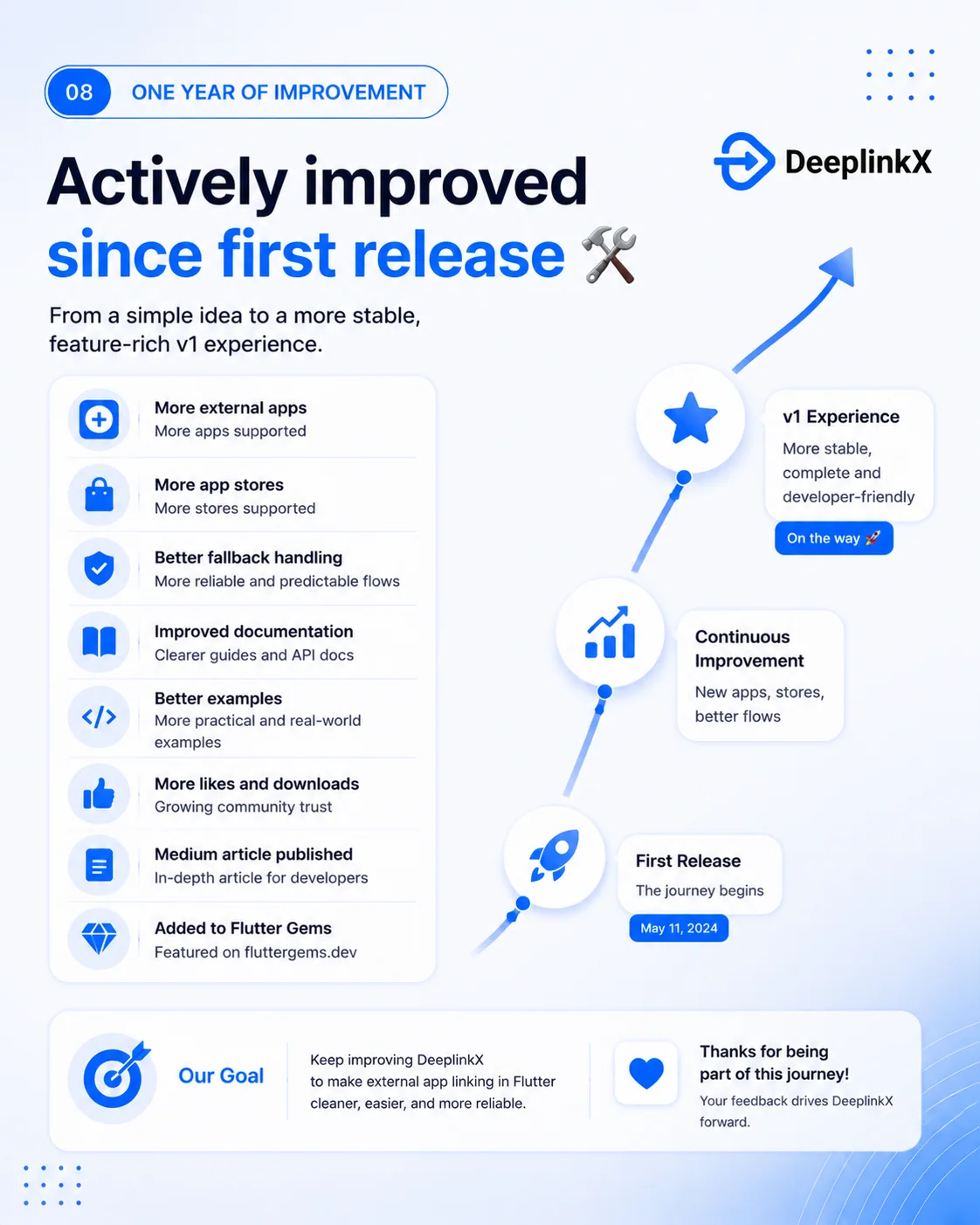
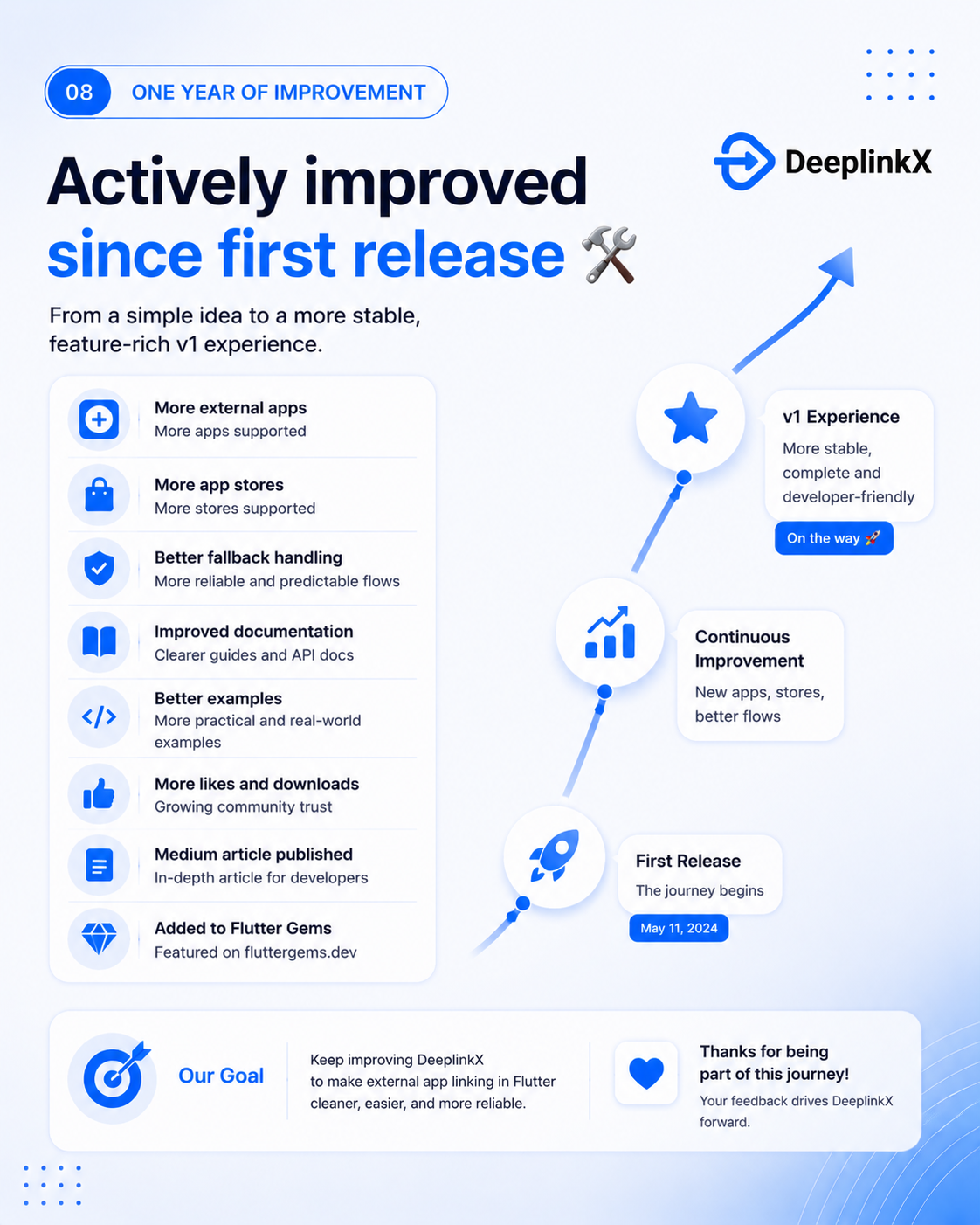
Heading: 08 — ONE YEAR OF IMPROVEMENT
Actively improved since first release 🛠️
From a simple idea to a more stable, feature-rich v1 experience.
| Improvement label | Original slide text |
|---|---|
| More external apps | More apps supported |
| More app stores | More stores supported |
| Better fallback handling | More reliable and predictable flows |
| Improved documentation | Clearer guides and API docs |
| Better examples | More practical and real-world examples |
| More likes and downloads | Growing community trust |
| Medium article published | In-depth article for developers |
| Added to Flutter Gems | Featured on fluttergems.dev |
Timeline, from bottom to top:
- First Release — The journey begins — May 11, 2024
- Continuous Improvement — New apps, stores, better flows
- v1 Experience — More stable, complete and developer-friendly — On the way 🚀
Our Goal
Keep improving DeeplinkX to make external app linking in Flutter cleaner, easier, and more reliable.
Thanks for being part of this journey!
Your feedback drives DeeplinkX forward.
Slide 9 of 9 — Try DeeplinkX
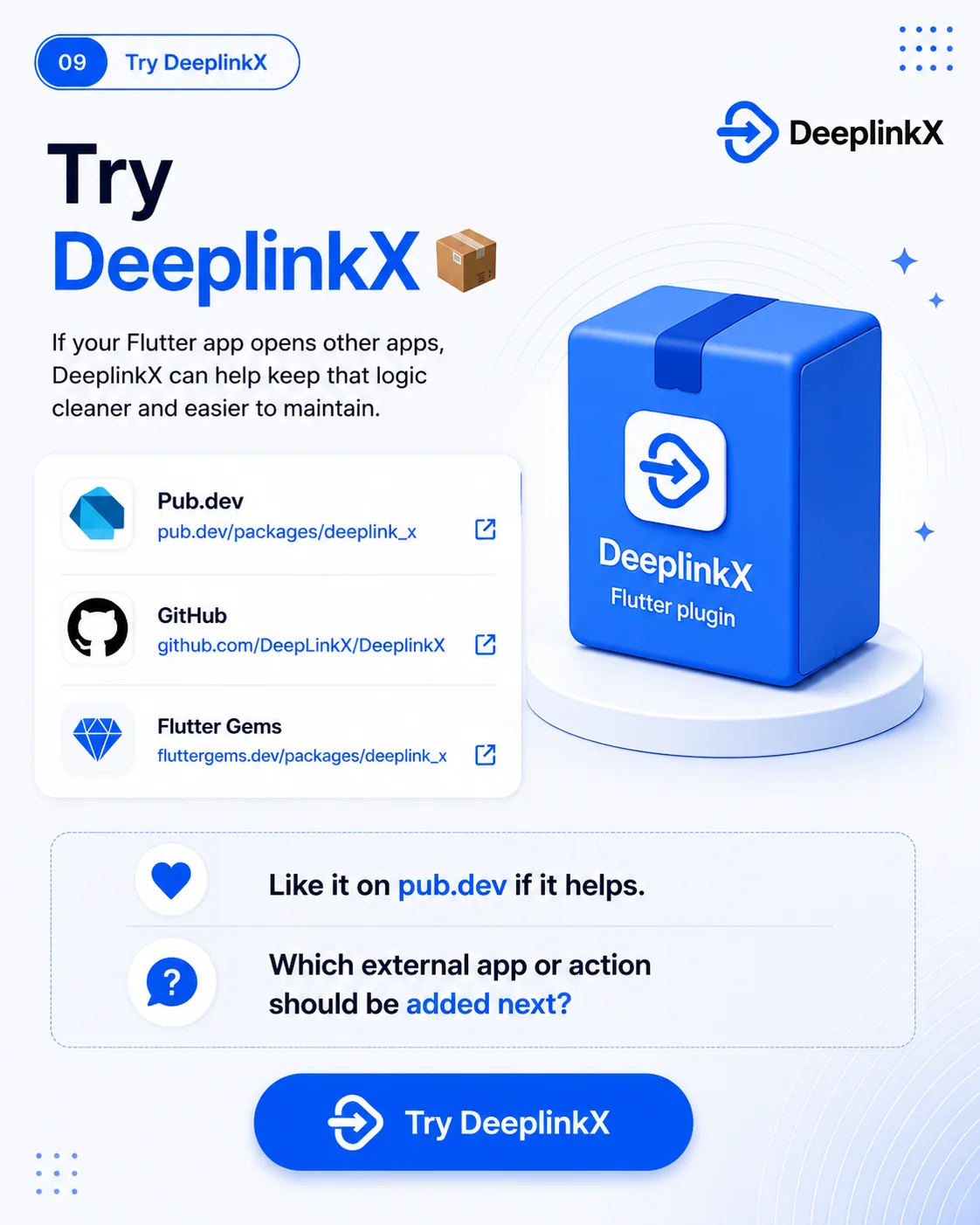
Heading: 09 — Try DeeplinkX
Try DeeplinkX 📦
If your Flutter app opens other apps, DeeplinkX can help keep that logic cleaner and easier to maintain.
- Pub.dev — pub.dev/packages/deeplink_x
- GitHub — github.com/DeepLinkX/DeeplinkX
- Flutter Gems — fluttergems.dev/packages/deeplink_x
Package illustration text: DeeplinkX — Flutter plugin.
Like it on pub.dev if it helps.
Which external app or action should be added next?
Button text: Try DeeplinkX.