- Author
- Parham Hatanian
- Original publication
- LinkedIn · May 3, 2025 • Edited
- Local republication
- 2026-10-20T21:54:16.942161Z
🚀 Just shipped DeeplinkX — my open-source Flutter plugin for effortless external deep linking!
What’s a deep link?
A deep link is simply a URL that opens an app (not just its home screen) at a specific spot. For example:
• Tap a sneaker ad → Shopping app jumps straight to that shoe. • Click whatsapp://send?phone=+1… → WhatsApp pops up with the chat ready. • Hit instagram://user?username=yourbrand → Instagram lands on your profile.
Less friction, more conversions.
Why DeeplinkX?
• Easy to use. • Faster and more reliable way than manual implementation. • One codebase, all platforms – Android, iOS, web, desktop. • Smart fallback – app → store → web, so every click lands somewhere useful. • Ready-made presets – WhatsApp, Telegram, Instagram, LinkedIn, App Store, Play Store, and more.
Dive in
• Pub.dev: https://lnkd.in/dwpMHHM7 • GitHub: https://lnkd.in/d7geVGzJ
Drop a ⭐ if it saves you time, and message me if you want help plugging it into your next project. Let’s turn every click into a smooth ride!
#flutter #fluttercommunity #deeplink #opensource #mobiledev
Original document and accessible slides
Download original PDF · 5 slides
Historical slides. Current Instagram profile syntax is Instagram.openProfile(username: 'instagram').
Slide 1 of 5 — Cover


Text in the artwork:
- DeeplinkX
- External app deeplink call toolkit
- Flutter Plugin
Visual context: the DeeplinkX arrow logo appears above the title; the Flutter logo appears beside “Flutter Plugin.”
Slide 2 of 5 — The Goal / The Way
The Goal
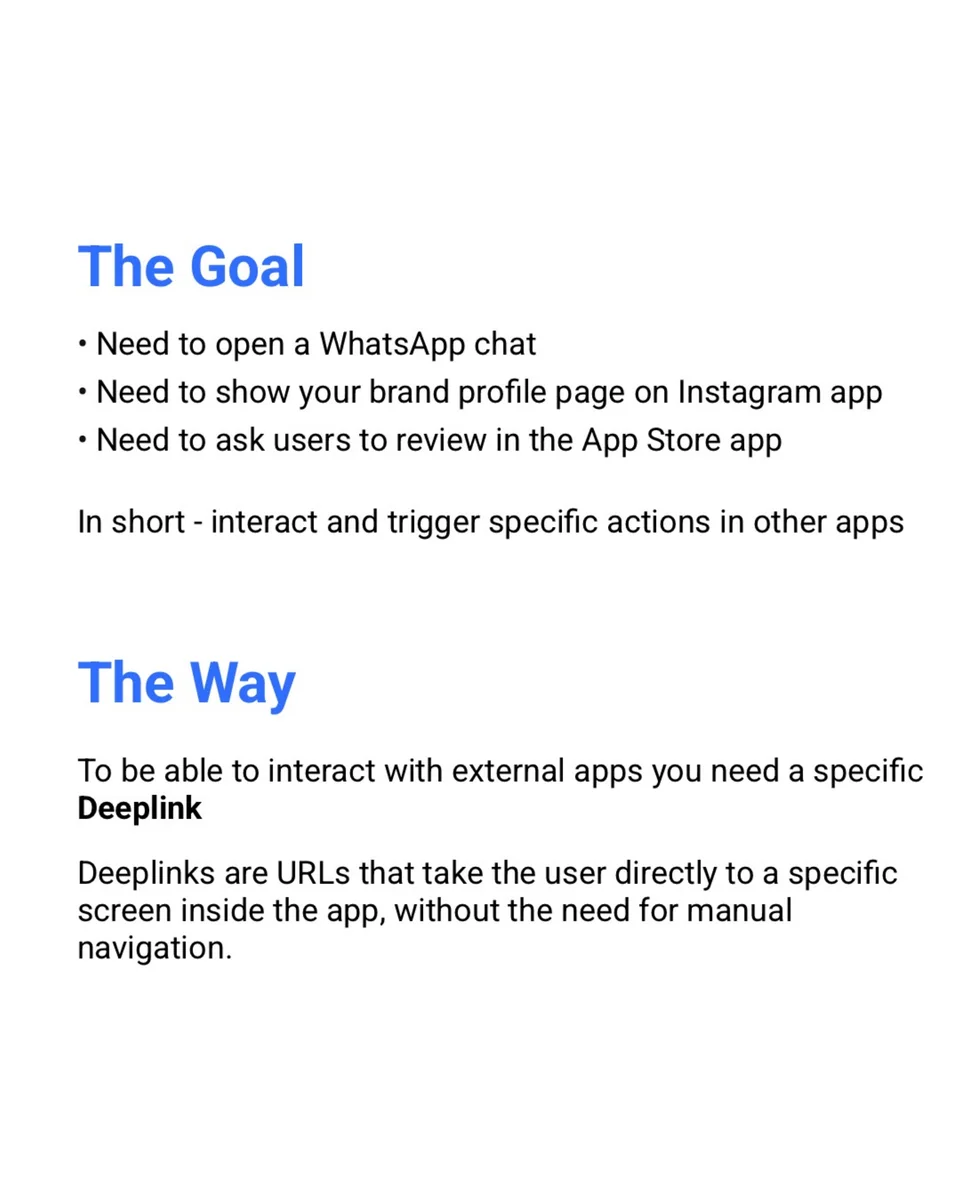
- Need to open a WhatsApp chat
- Need to show your brand profile page on Instagram app
- Need to ask users to review in the App Store app
In short - interact and trigger specific actions in other apps
The Way
To be able to interact with external apps you need a specific Deeplink
Deeplinks are URLs that take the user directly to a specific screen inside the app, without the need for manual navigation.
Slide 3 of 5 — Manual Way / DeeplinkX Way
Manual Way
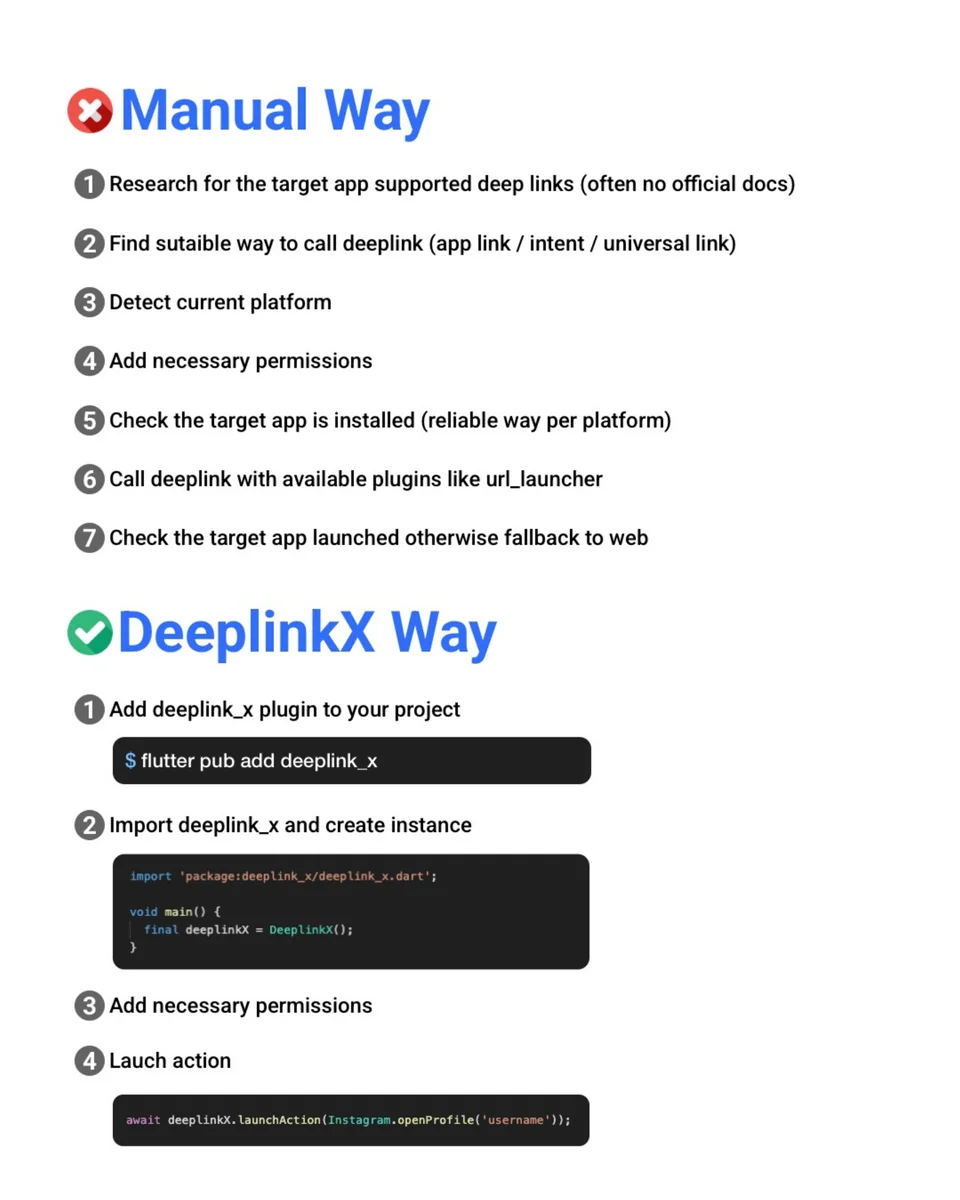
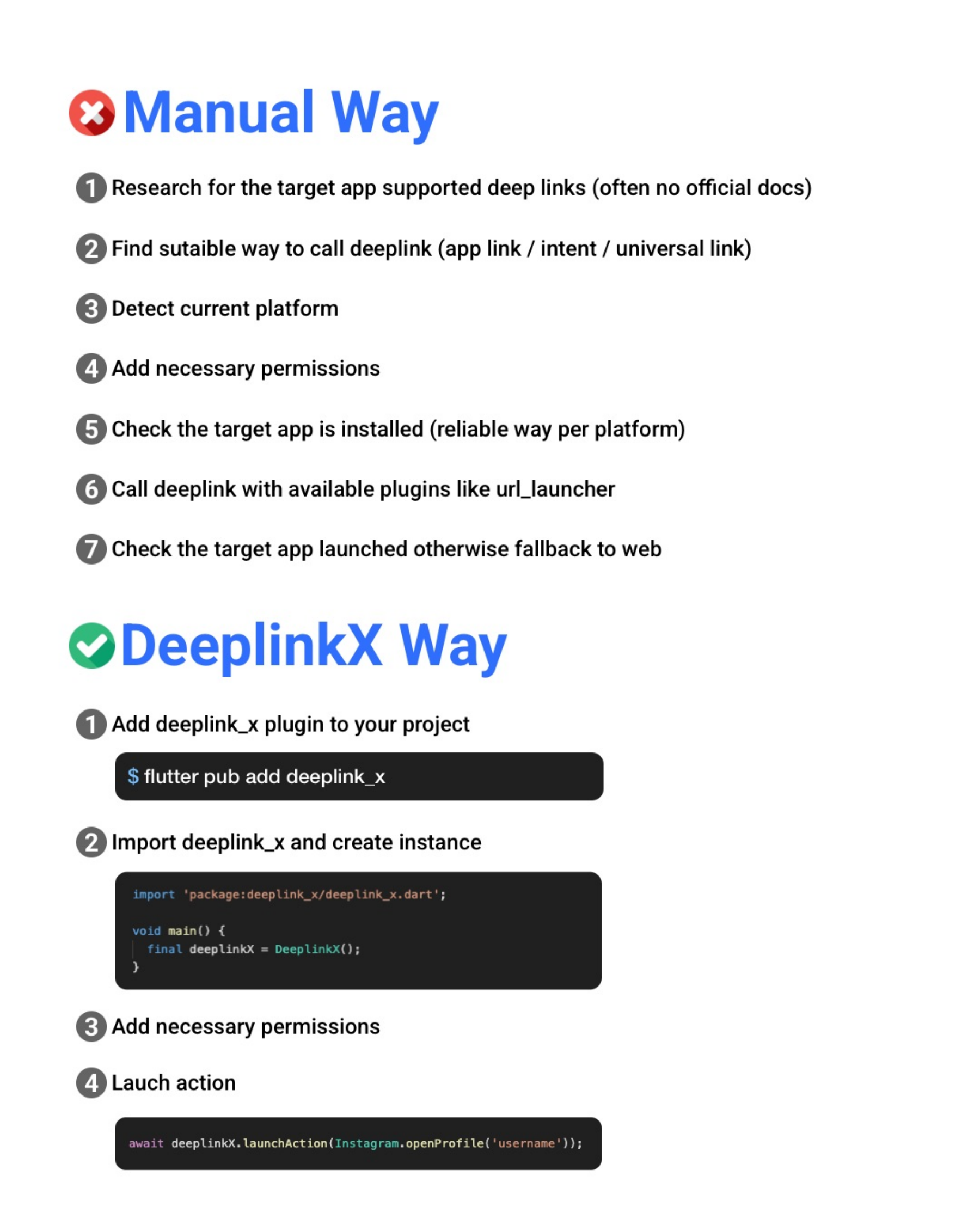
- Research for the target app supported deep links (often no official docs)
- Find sutaible way to call deeplink (app link / intent / universal link)
- Detect current platform
- Add necessary permissions
- Check the target app is installed (reliable way per platform)
- Call deeplink with available plugins like url_launcher
- Check the target app launched otherwise fallback to web
DeeplinkX Way
- Add deeplink_x plugin to your project
flutter pub add deeplink_x
- Import deeplink_x and create instance
import 'package:deeplink_x/deeplink_x.dart';

void main() {
  final deeplinkX = DeeplinkX();
}
- Add necessary permissions
- Lauch action
await deeplinkX.launchAction(Instagram.openProfile('username'));
Visual context: a red cross marks “Manual Way”; a green check marks “DeeplinkX Way.” The strings “sutaible” and “Lauch” reproduce the original artwork. The final code block reproduces the old positional API and is retained as history, not a working current example.
Slide 4 of 5 — Supported Stores
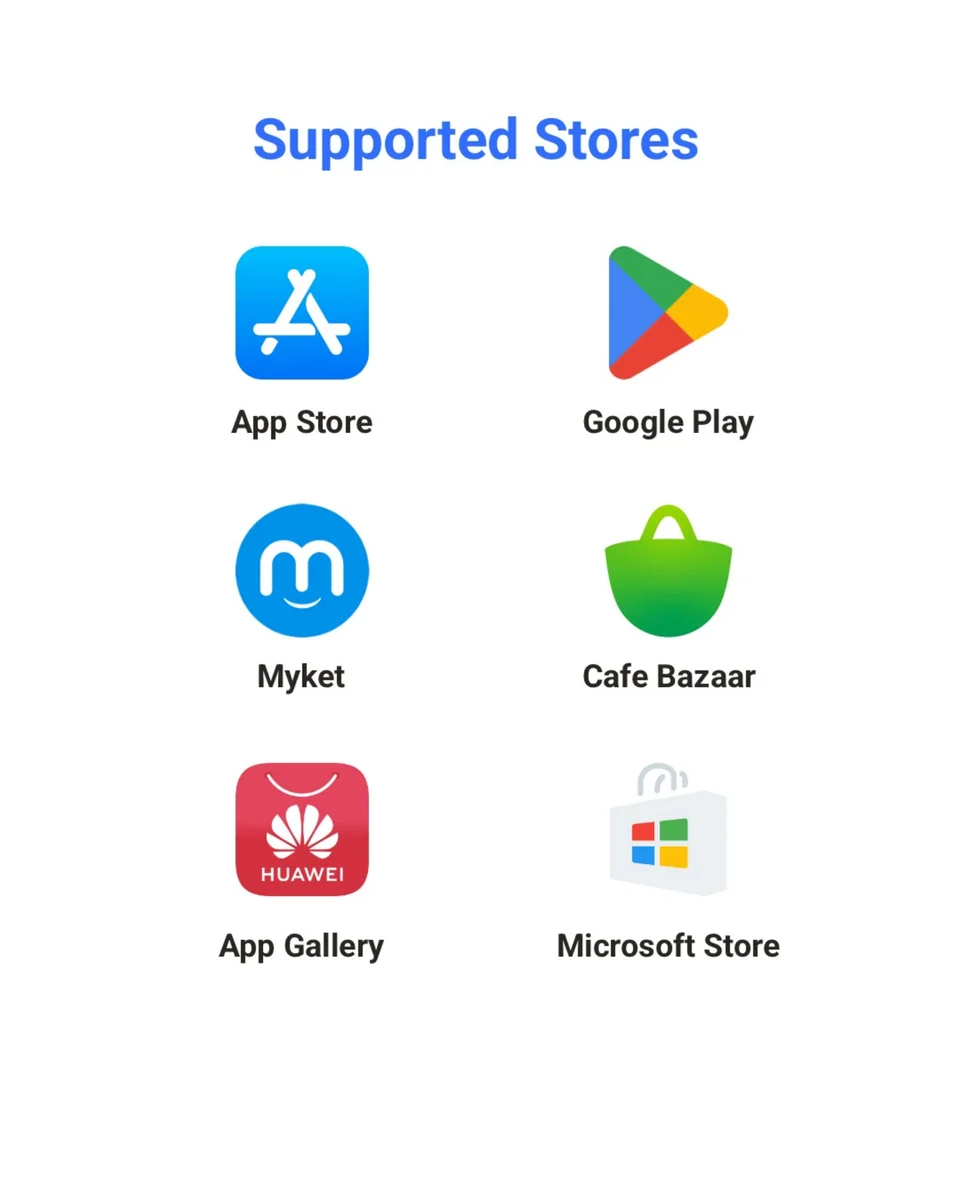
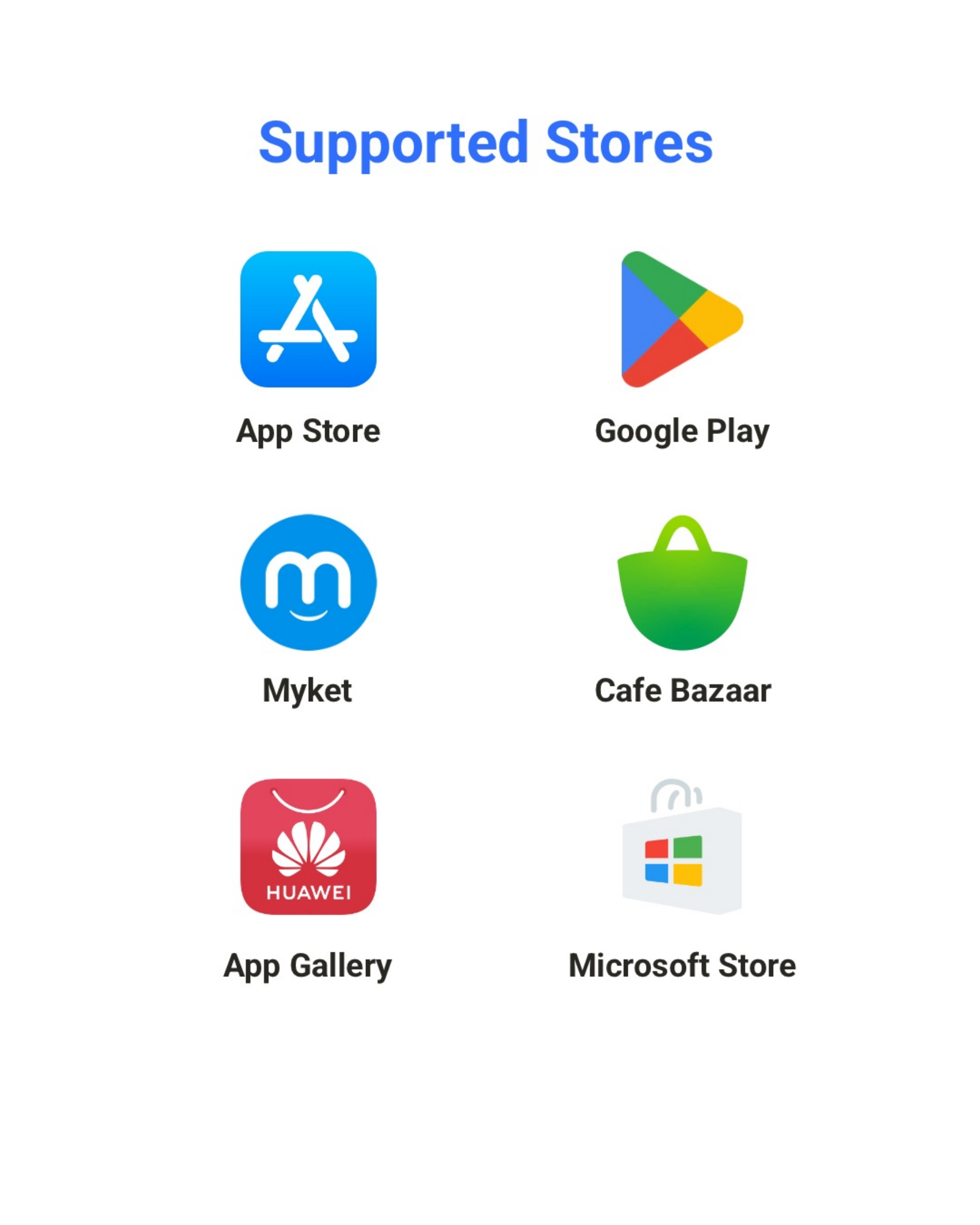
Heading: Supported Stores
Labels in row order:
- App Store; Google Play
- Myket; Cafe Bazaar
- App Gallery; Microsoft Store
The Huawei logo includes its wordmark “HUAWEI.” These are historical slide labels; use the current store reference for API names and platform/fallback limitations.
Slide 5 of 5 — Supported Apps
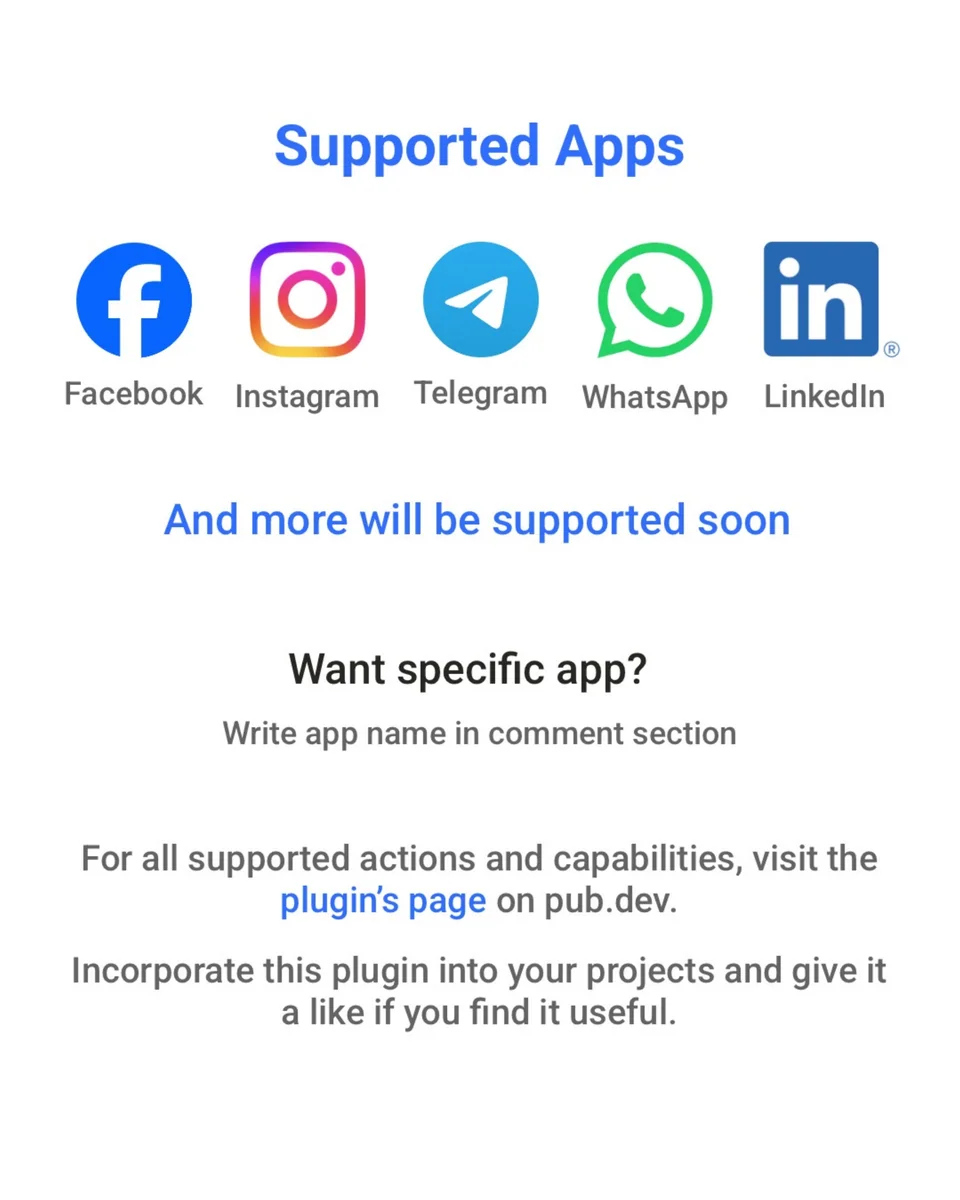
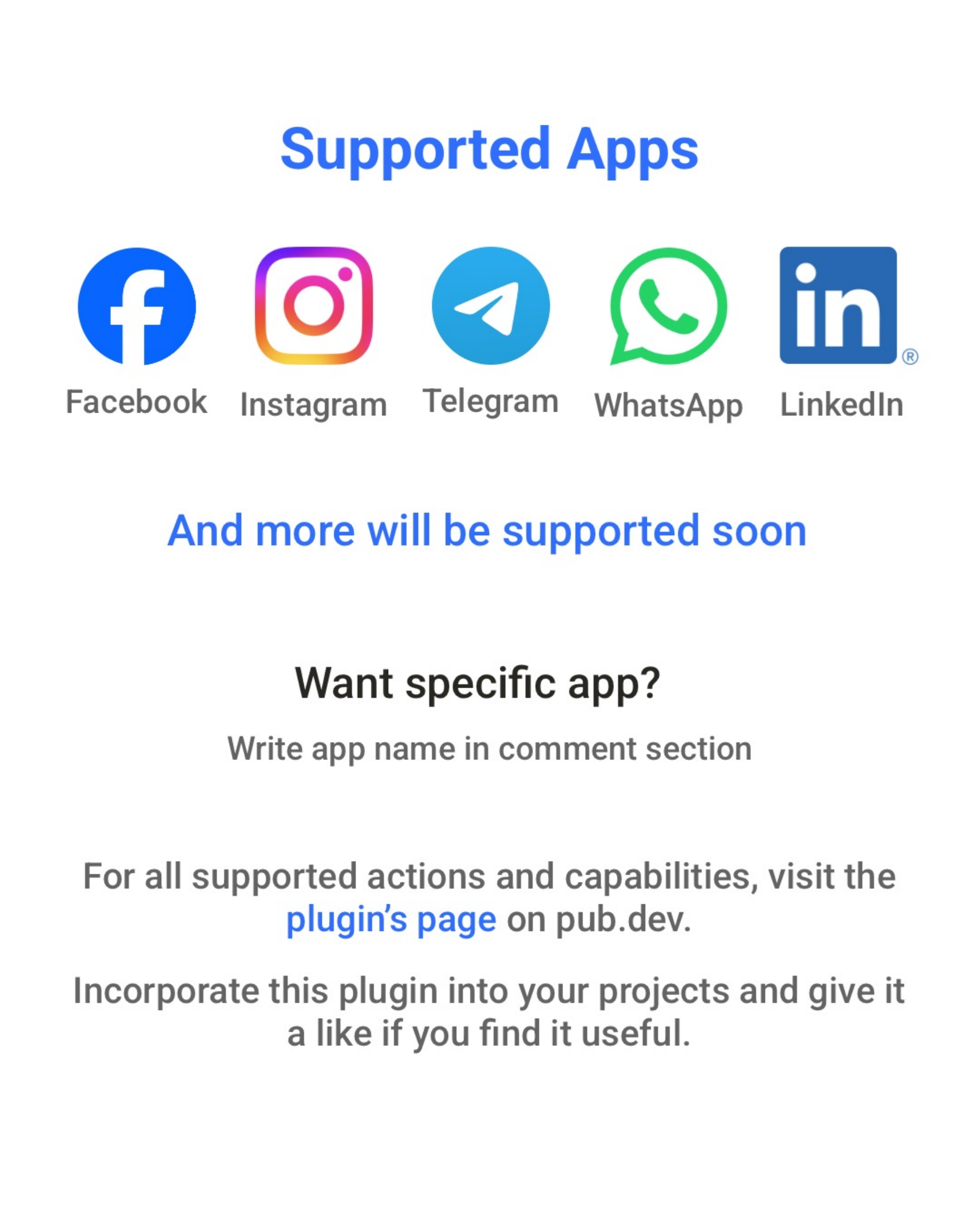
Heading: Supported Apps
Logo labels: Facebook; Instagram; Telegram; WhatsApp; LinkedIn.
And more will be supported soon
Want specific app?
Write app name in comment section
For all supported actions and capabilities, visit the plugin’s page on pub.dev.
Incorporate this plugin into your projects and give it a like if you find it useful.